How to Build a More Practical Work-From-Home Setup
Prioritizing function over appearance when setting up a home workspace.
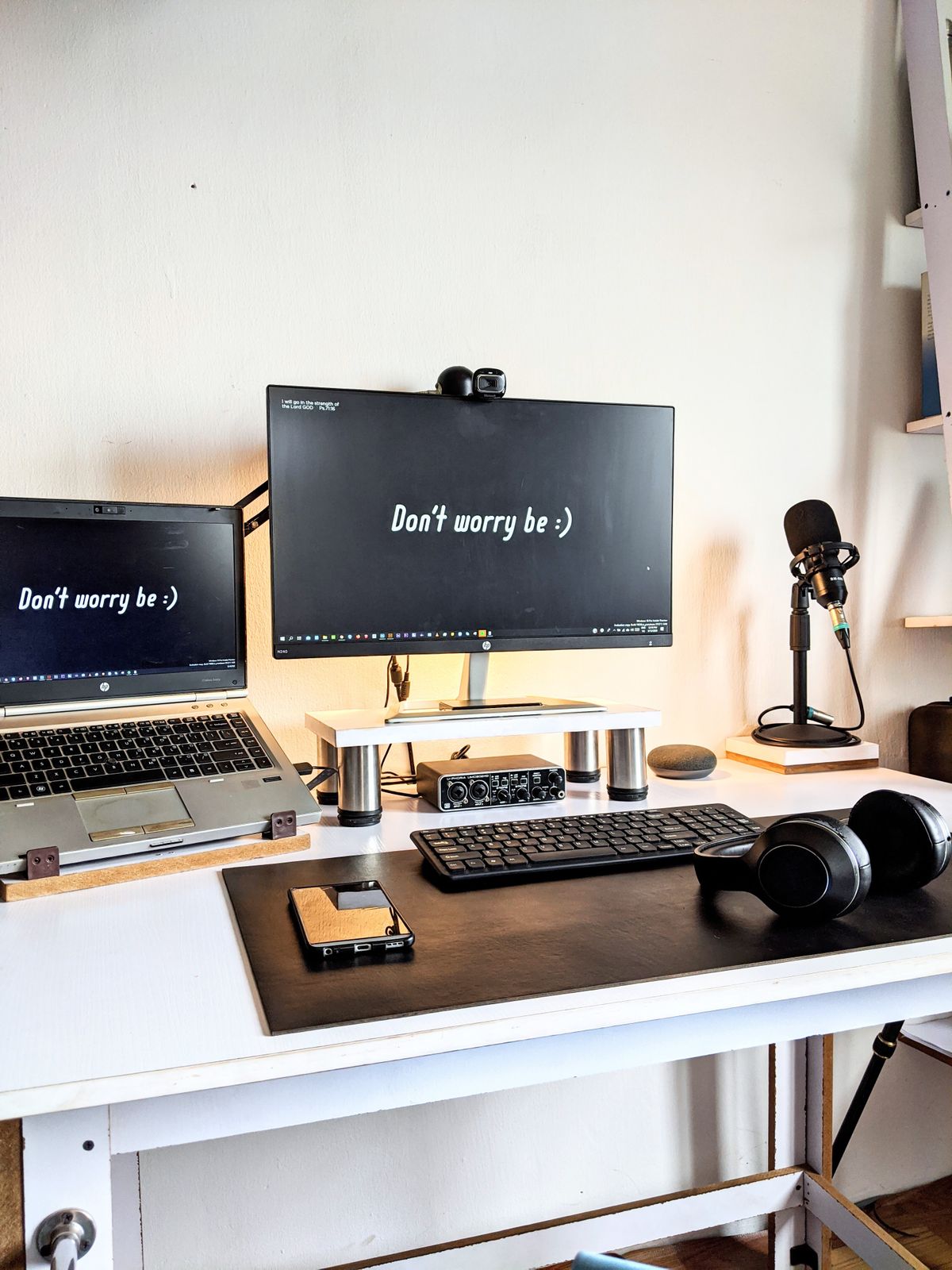
Home office setups tend to get planned around how they look in a single photo, when the more useful question is how they hold up across a full workday, five days a week.
Start with the chair and desk height, not the accessories
A well-organized desk with an uncomfortable chair usually gets abandoned within a few weeks. Getting seat height, desk height, and monitor eye-level roughly correct has a bigger effect on daily comfort than any accessory purchase.
Think about cable management before it becomes a problem
Cables multiply quickly once a monitor, charger, webcam, and peripherals are added. Planning a basic routing approach — even simple clips or a cable tray — early on prevents a tangled mess that's harder to fix later.
Lighting matters more than most setups account for
Overhead lighting alone often creates glare on screens or leaves a video call looking dim. A separate desk lamp or adjustable light positioned to avoid screen glare makes a noticeable difference over a full day.
Separate what you need daily from what you need occasionally
Not everything needs to live on the desk. Items used daily — keyboard, mouse, notebook — deserve prime real estate. Items used occasionally, like a second monitor stand or extra cables, can be stored nearby but out of the way.
Build in a natural stopping point
A workspace that's visually distinct from the rest of the room — even just a room divider or a designated corner — makes it easier to mentally close the workday, which is harder to do when work and living space blend together.
A practical setup doesn't need to be expensive or elaborate. It needs to hold up to repeated daily use without causing physical discomfort or constant small frustrations.
This article reflects general information and editorial judgment. It is not intended as professional, medical, financial, or legal advice.